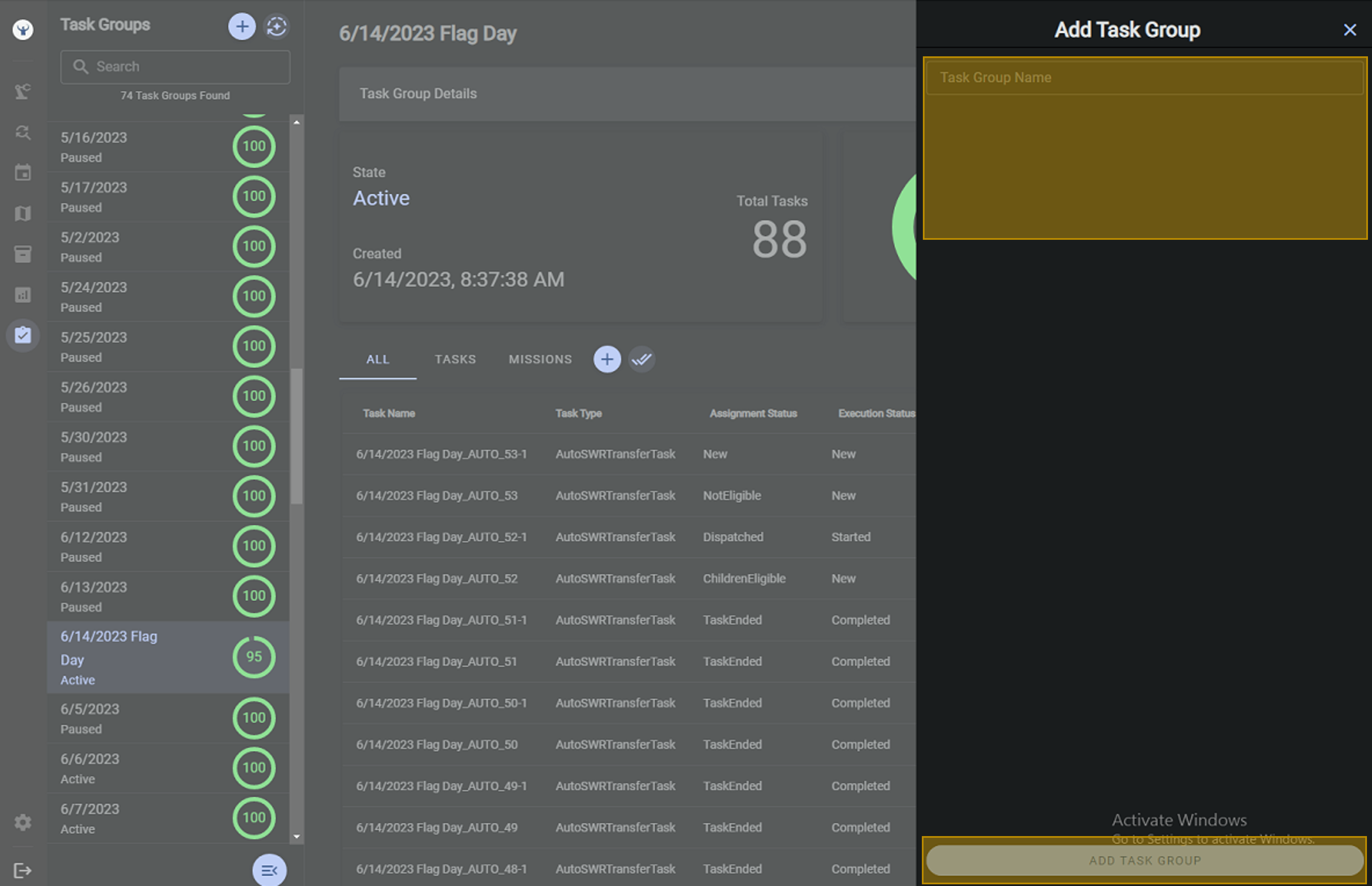
Creating Task Groups
To enter a task, the user must first create a task group for tasks to live on. Task groups allows a layer of control for the operator to create missions to be completed before they want them to be completed. A task group will not be eligible for completion until it has been activated.
Steps
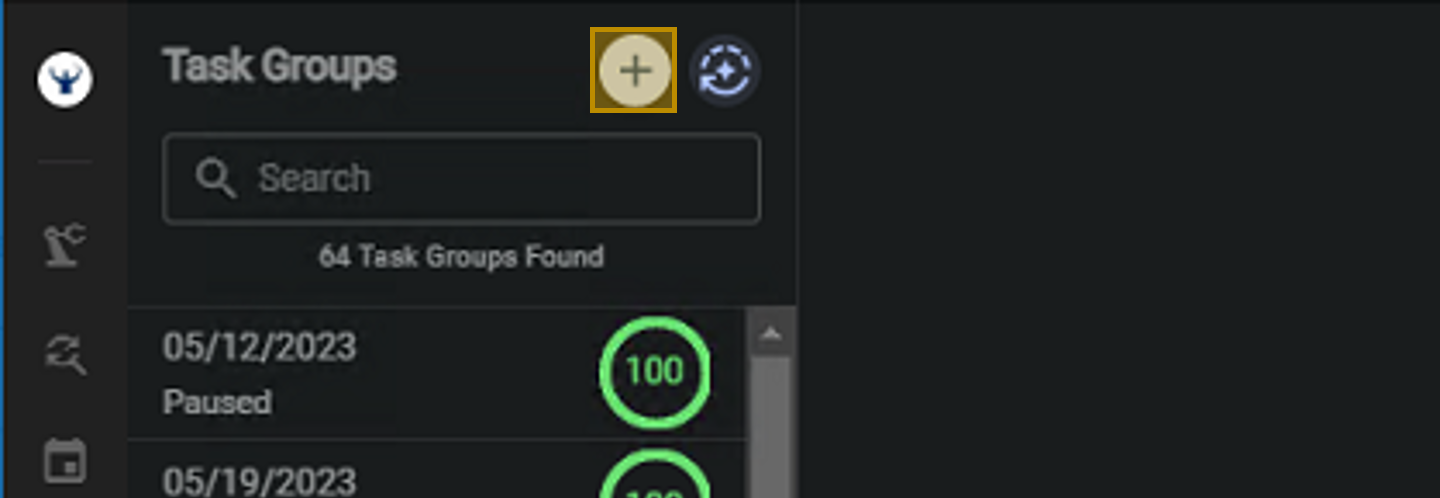
Select Create New Task Group
Select the Create Task Group button
Enter New Task Group
Enter the details required as prompted in the "Add Task Group" entry window. Then press "Add Task Group"